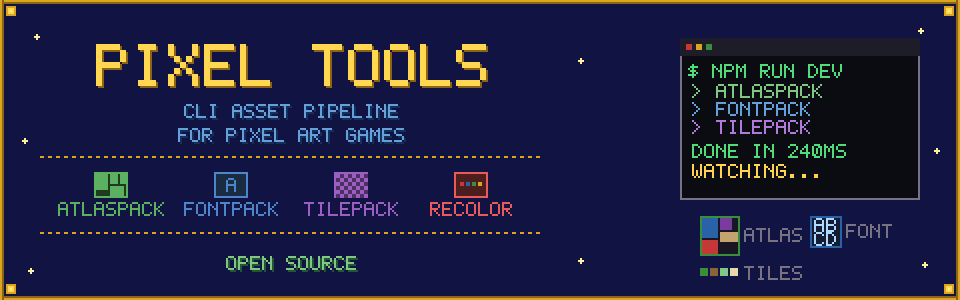
Pixel Tools
A downloadable tool for Windows, macOS, and Linux
A set of CLI tools for building pixel art asset pipelines for games, with first-class support for the Phaser game engine. Full source code is available on GitHub under MIT license.
Overview
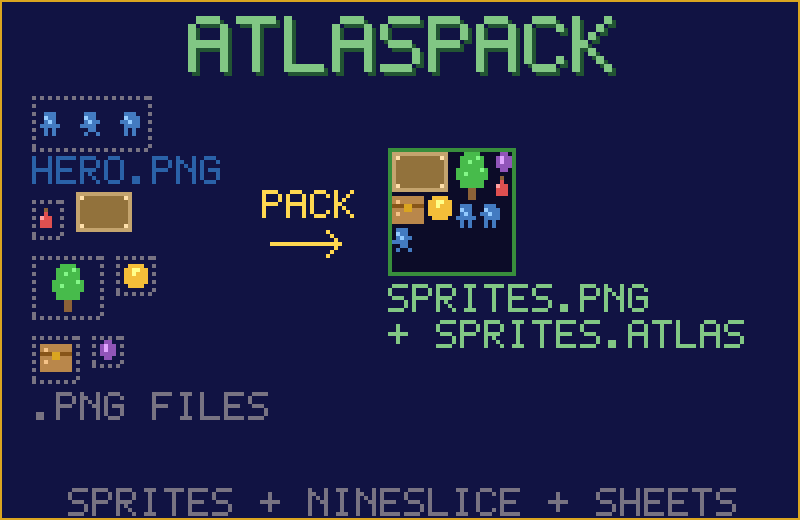
- Atlaspack — Packs multiple PNG images into a single optimized texture atlas with support for nineslice and spritesheets
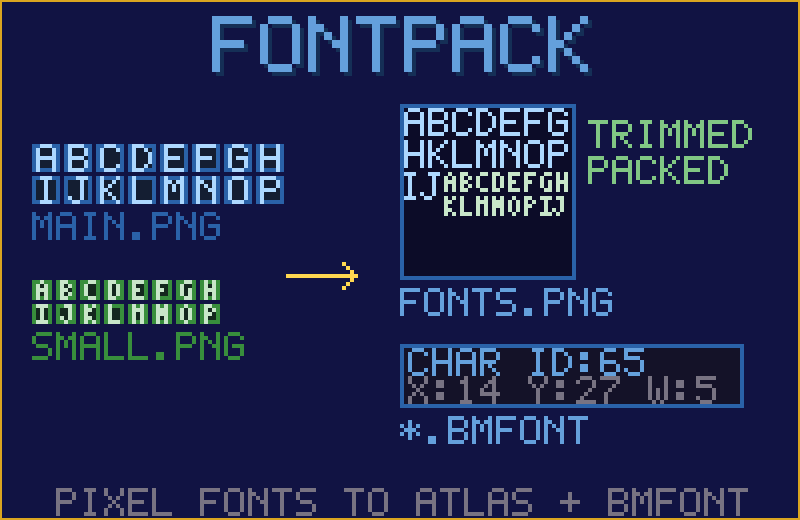
- Fontpack — Creates packed texture atlases and BMFont descriptor files from pixel art font sheets
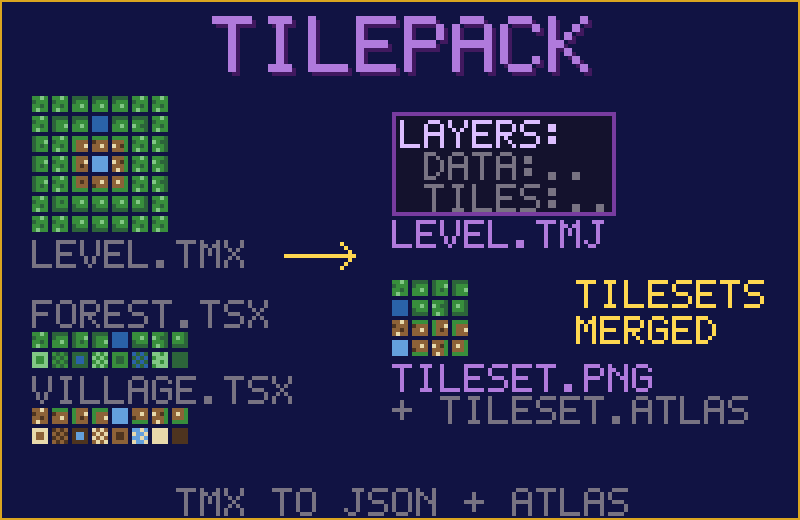
- Tilepack — Repacks and optimizes Tiled map files (TMX) and their tilesets, outputting Phaser-compatible JSON tilemaps
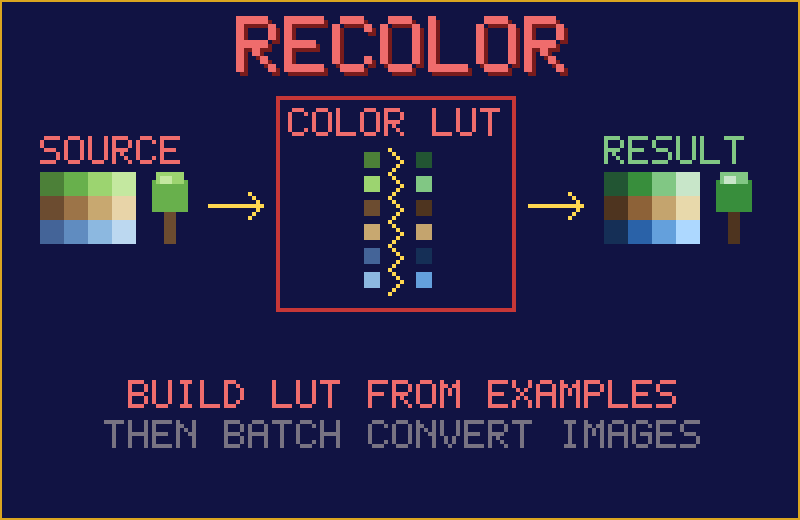
- Recolor — Converts image colors using a color lookup table (LUT) built from example image pairs
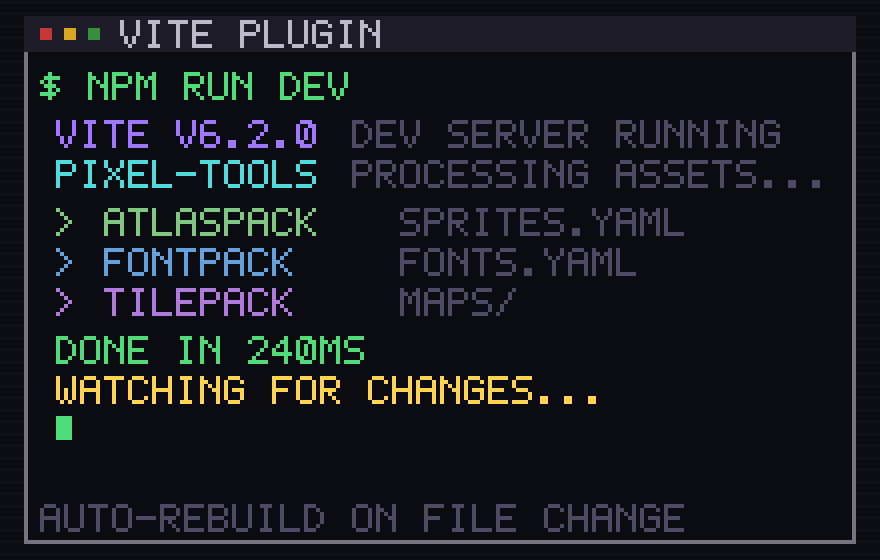
All tools are written in Go and distributed as standalone binaries. They are also available as an npm package with an included Vite plugin for automatic asset processing during development and production builds.
Installation
Manually from release archive
- Download the latest release archive for your platform (Windows, Linux, or macOS) from itch.io or the GitHub releases page.
- Extract the archive to a folder of your choice.
- Add the folder containing the binaries to your system's
PATHto use them from any directory.
Using npm
npm install --save-dev pixel-tools
For an example of integration into build pipeline with Vite, including configuring dev environment with hot reload, see the phaser-example folder in the repository.
Terms of use
Code
All tools are free to download, use, modify, and redistribute for any purpose, including commercial projects. Full source code is available on GitHub under the MIT license.
Example art assets
Example assets included in this repository were created by Gabriel Lima aka tiopalada, with small modifications by me. Big thanks to him for creating beautiful pixel art and putting it into the public domain. His work is licensed partially under CC0 1.0 Universal, and partially under CC BY 4.0, for details please see LICENSE files in corresponding example folders.
Download
Click download now to get access to the following files:
Development log
- v0.9.11 - Apple code signing and notarisationMar 20, 2026
- v0.9 - MIT License, Vite plugin, Phaser exampleFeb 26, 2026
- v0.8.17 - sprite trimming, npm package, bug fixesFeb 23, 2026
- v0.8 - new tool called atlas packFeb 22, 2026
- v0.7.2 - generating shared tilesetsFeb 21, 2026
- v0.7 - fontpack, example assetsFeb 21, 2026
- v0.6 - Repack supports 'collection of images' tilesetDec 30, 2025
- v0.5 - Repack supports tilesets with different tile sizesDec 26, 2025
Comments
Log in with itch.io to leave a comment.
Hi, how do I exactly use this tools? the instructions are really not clear for me or maybe im just being silly.
I needed to play around with the tool as well, since the documentation is a little shallow:
This is a Command Line Tool (CLI), that means that you have to open it via console/terminal. The .yaml file controls the behaviour of the tools. For the recolor tool (the one I've used) the application will look for two folders by default. "_reference" for the source images the data will be constructed from and "_recolor" where the items to be recolored and the result images are placed. Since this was written with Time Fantasy in mind, the suffix (file name ending) the tool is looking for is "_tf.png" and converted images will have "_e.png" in the end. If you want all images in your "_recolor"-folder to be converted, set the originalSuffix to ".png".
If you just start the recolor-tool, it will create the necessary files and folders you can fill then later.
I hope this helped a little :)
Hey, thank you for chiming in! I'll try to improve documentation soon by recording short videos on its usage, hope that will help better.
No worries, I just figured it out and thought I share my experiences :D I think videos would be overkill. A short pdf or a section "usage" in the readme should do the trick :) And maybe clarify in the description that this is not an application with GUI. And also awesome job! This is exactly how I wanted to tackle the problem but never had the time to implement it XD
Thank you!
Sorry for delay with response - was mostly offline during weekend. For more detailed instructions on recolor tool you can check comment from Estraban. I'm also planning soon to record short videos to show example usage, hope that will help as well.
Thanks!